AgNav 5.2.1.20250925
- Import of Trimble and JD files
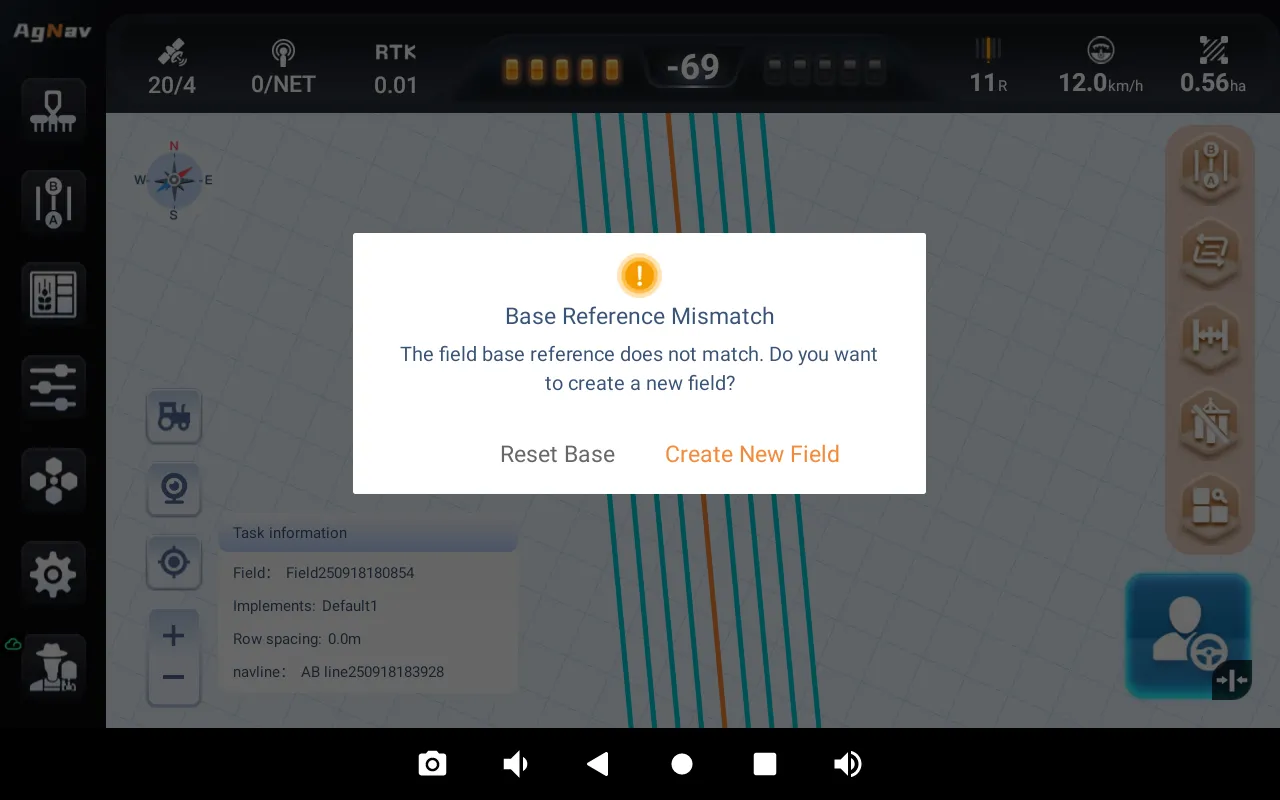
- Support prompting to create a new field when the vehicle is detected to be far from the reference point;
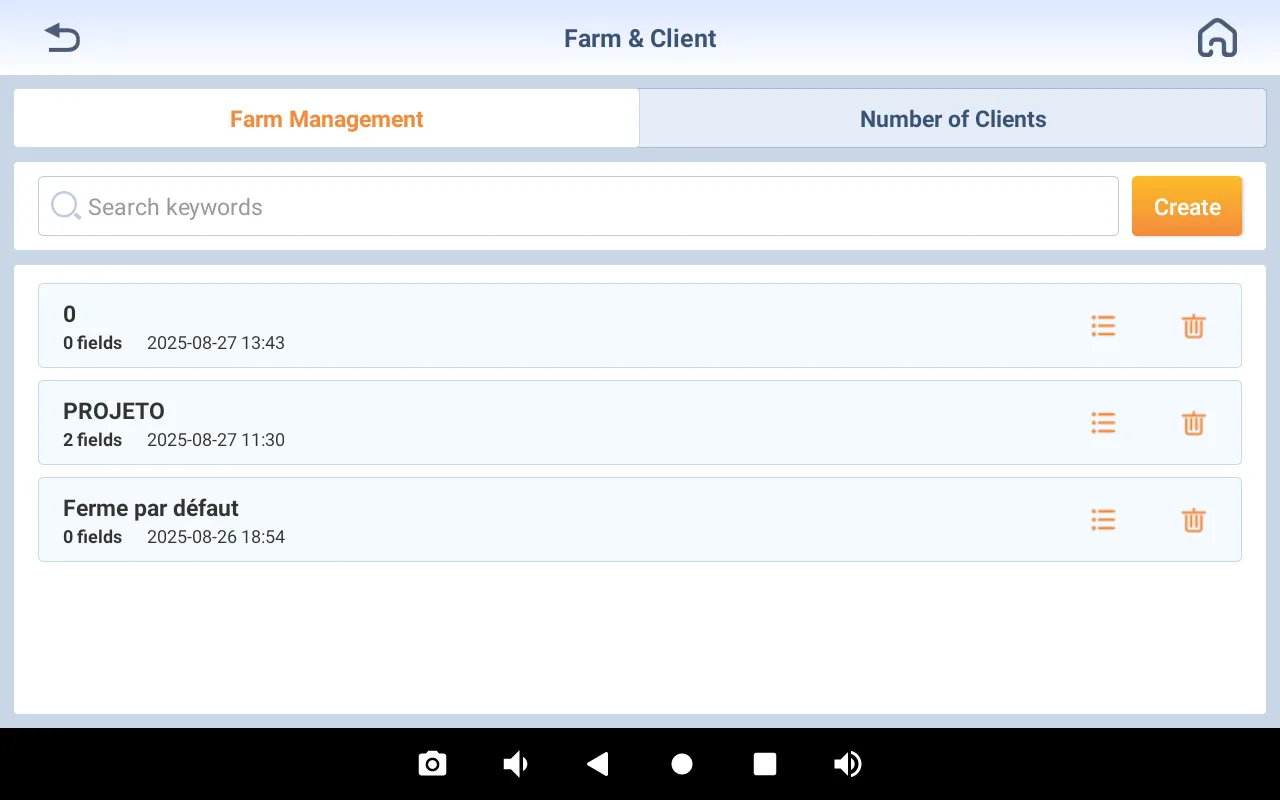
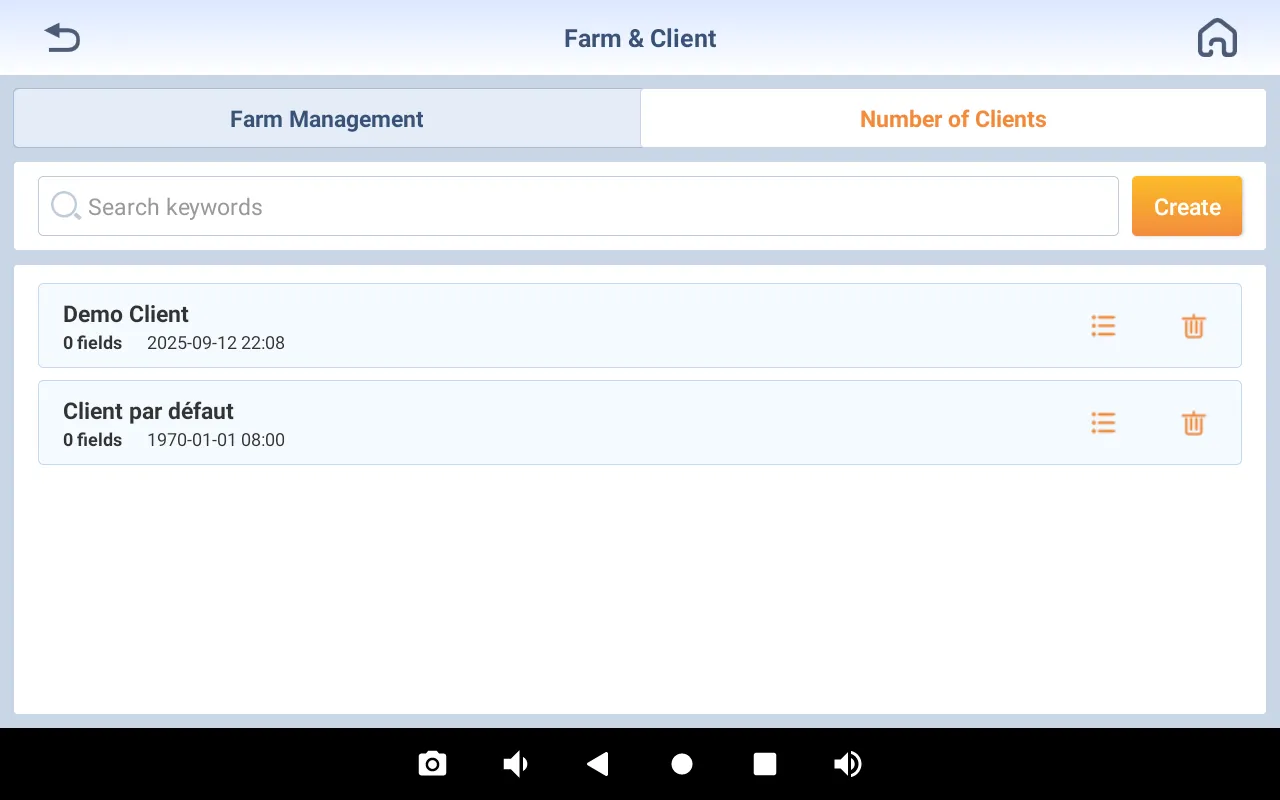
- Support farm and customer management;
- Support display and switching of multiple layers such as trajectory, elevation, and speed;
- Support default U-turn distance set to half of the implement width;
- Support start-to-end alarms for autonomous driving;
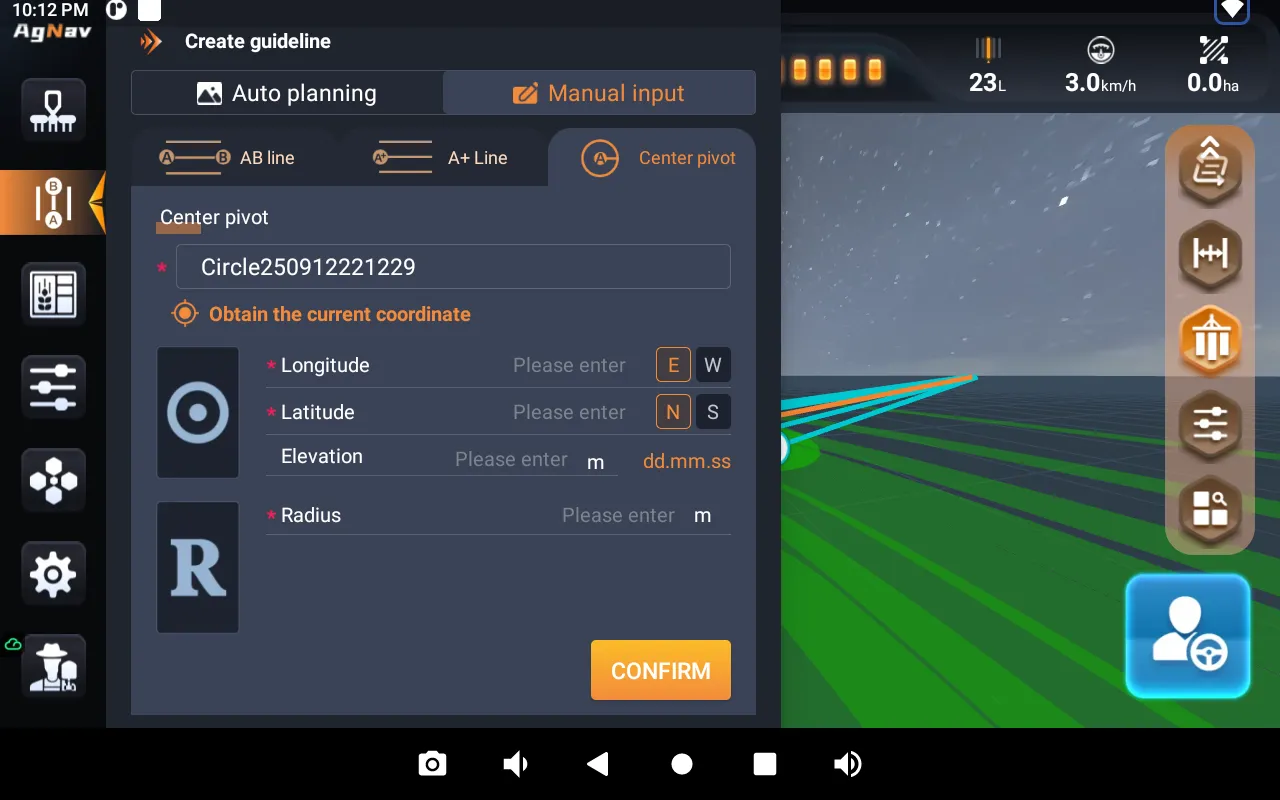
- Support manual input of center pivot curve;
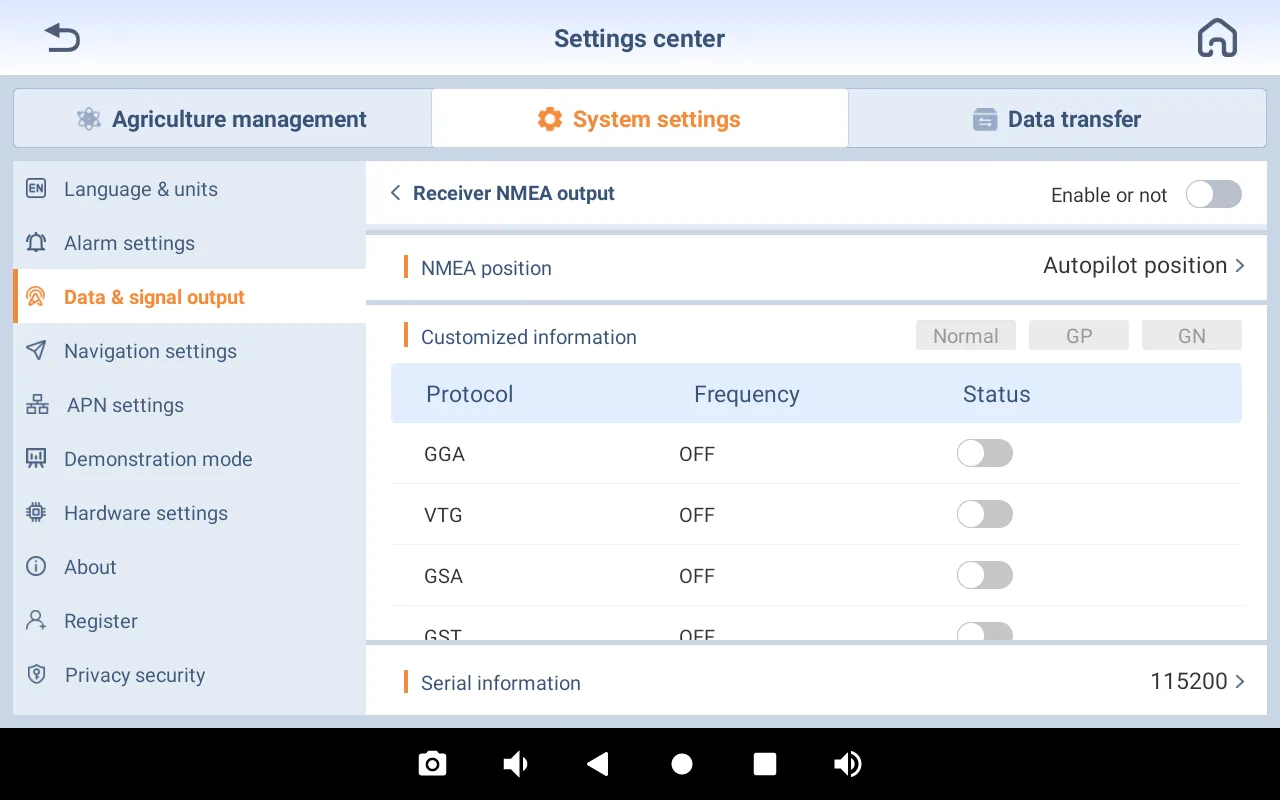
- Support main switch for receiver NMEA output;
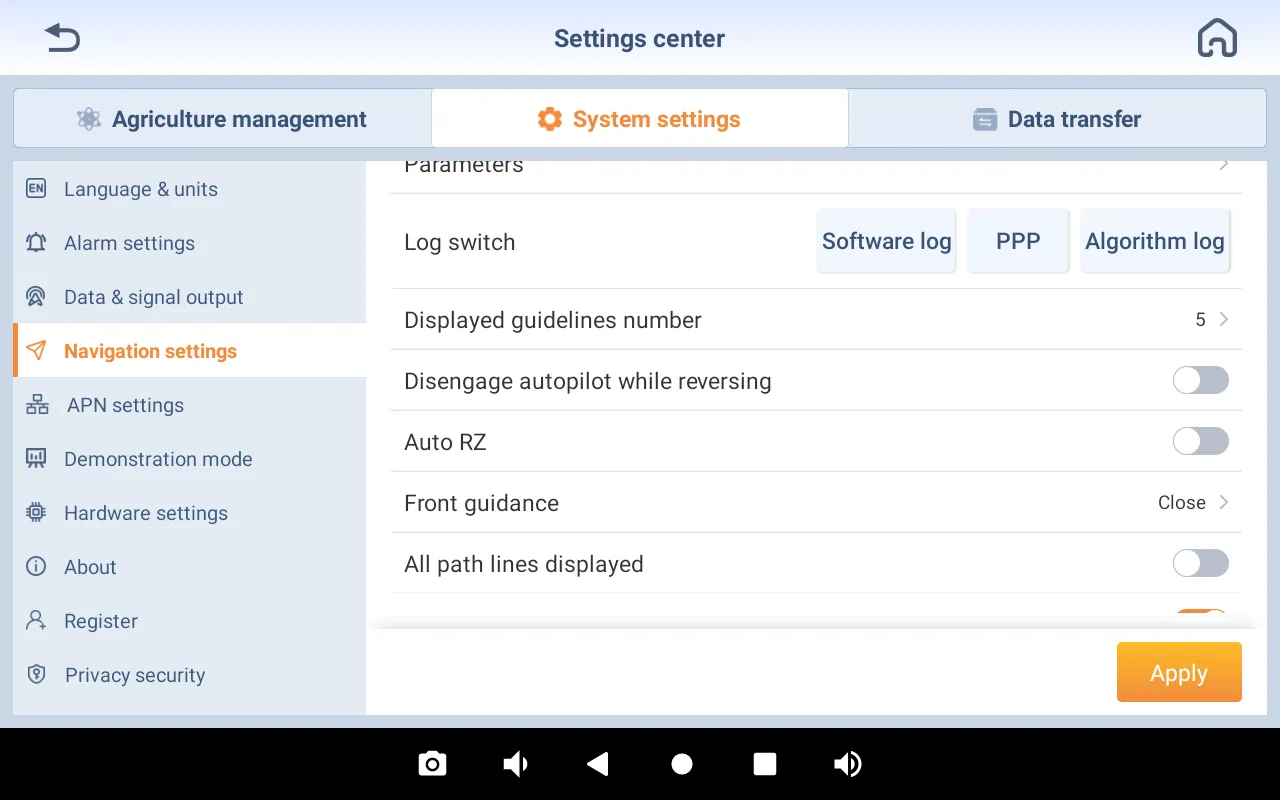
- Support auto RZ when engaging autosteering
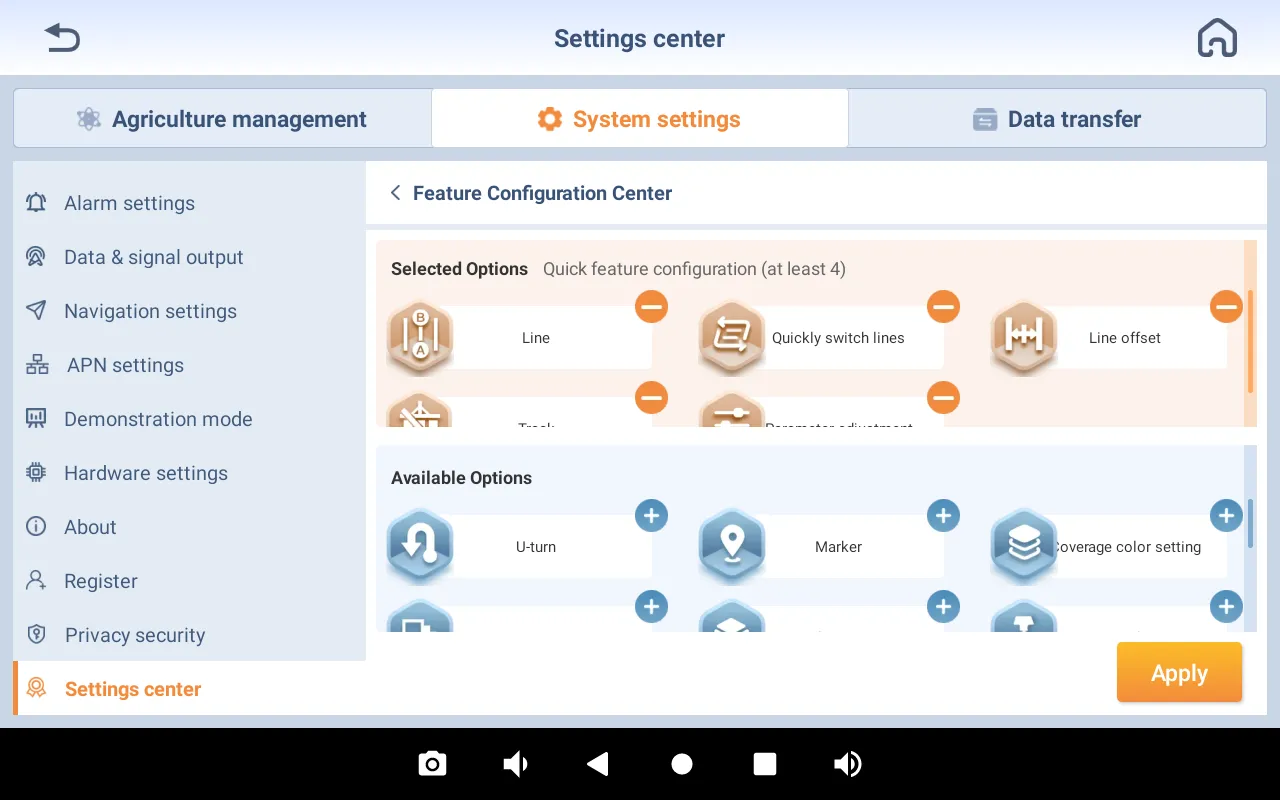
- Support customization of the function bar in professional mode;
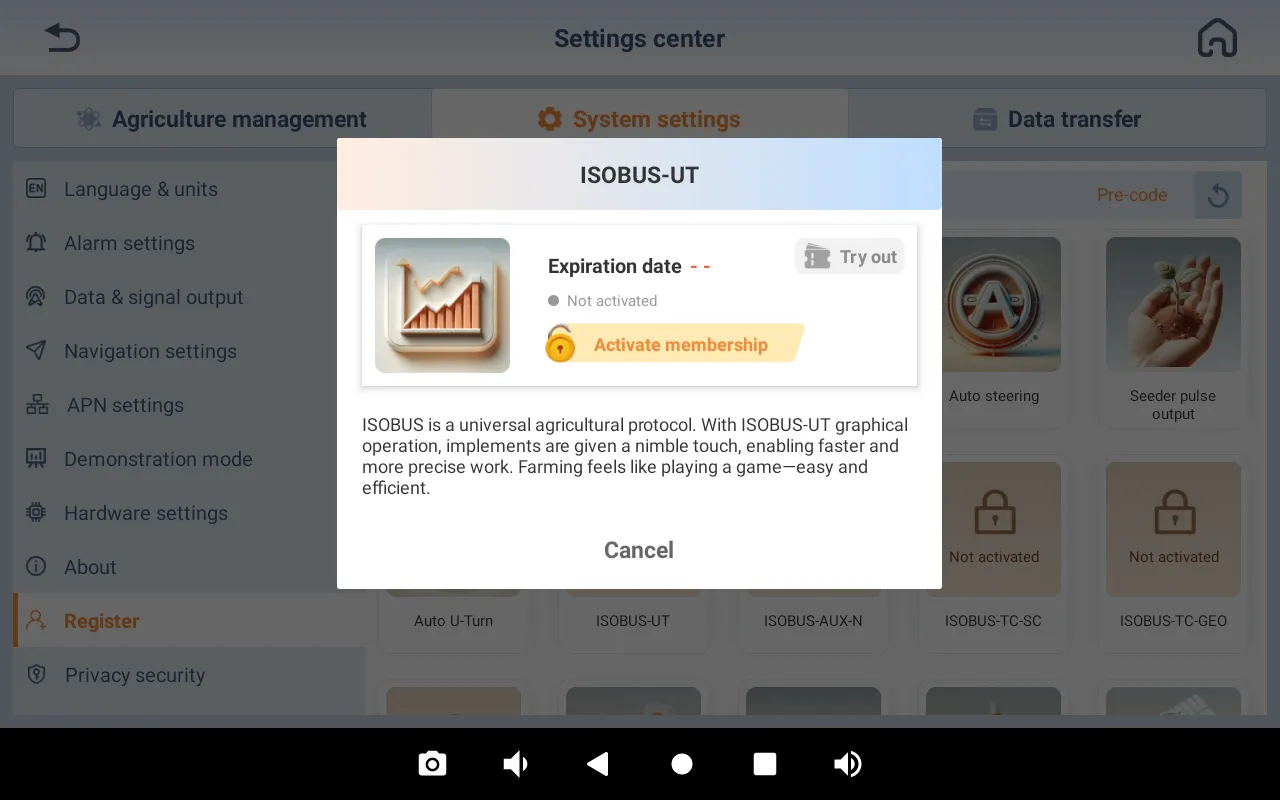
- Support temporary trial registration for some software functions, such as ISOBUS UT/TC/GEO/AUX-N;
- Support manual steering in demonstration mode;
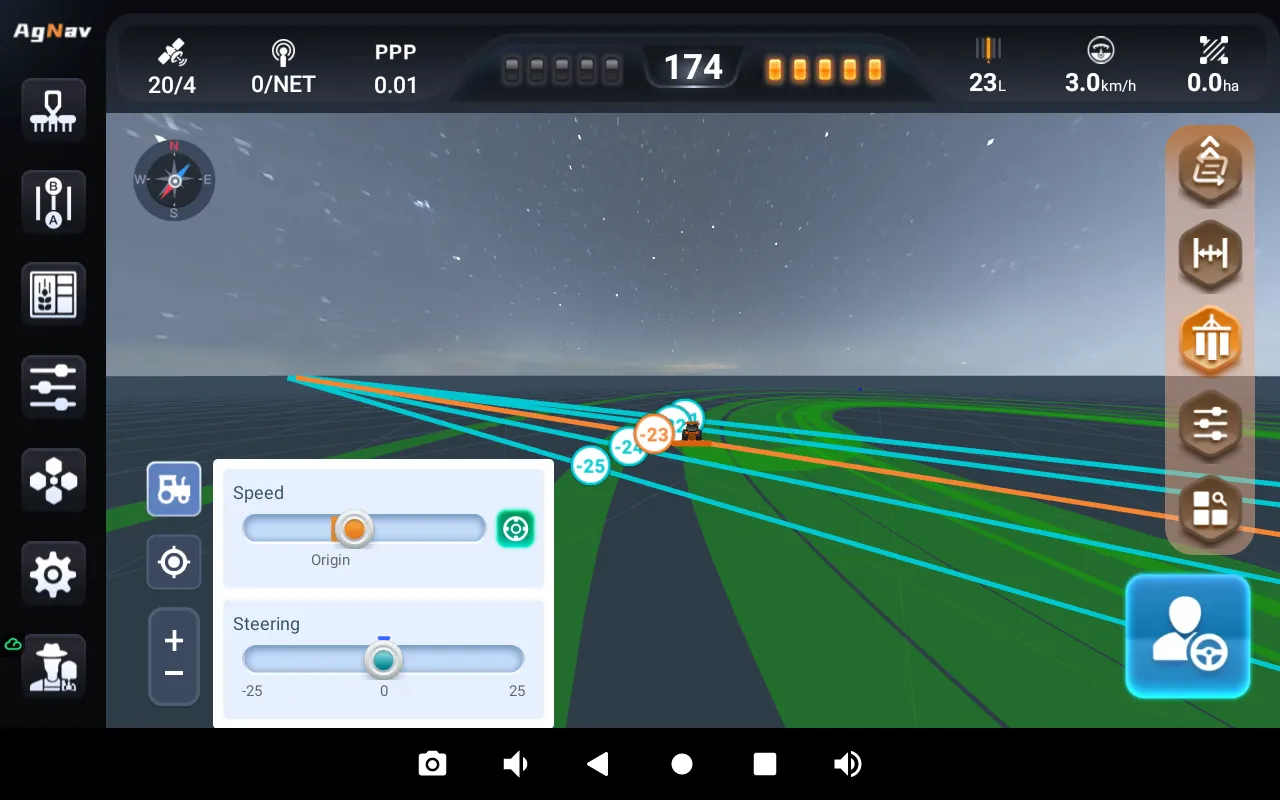
- Support 5V output based on implement location.
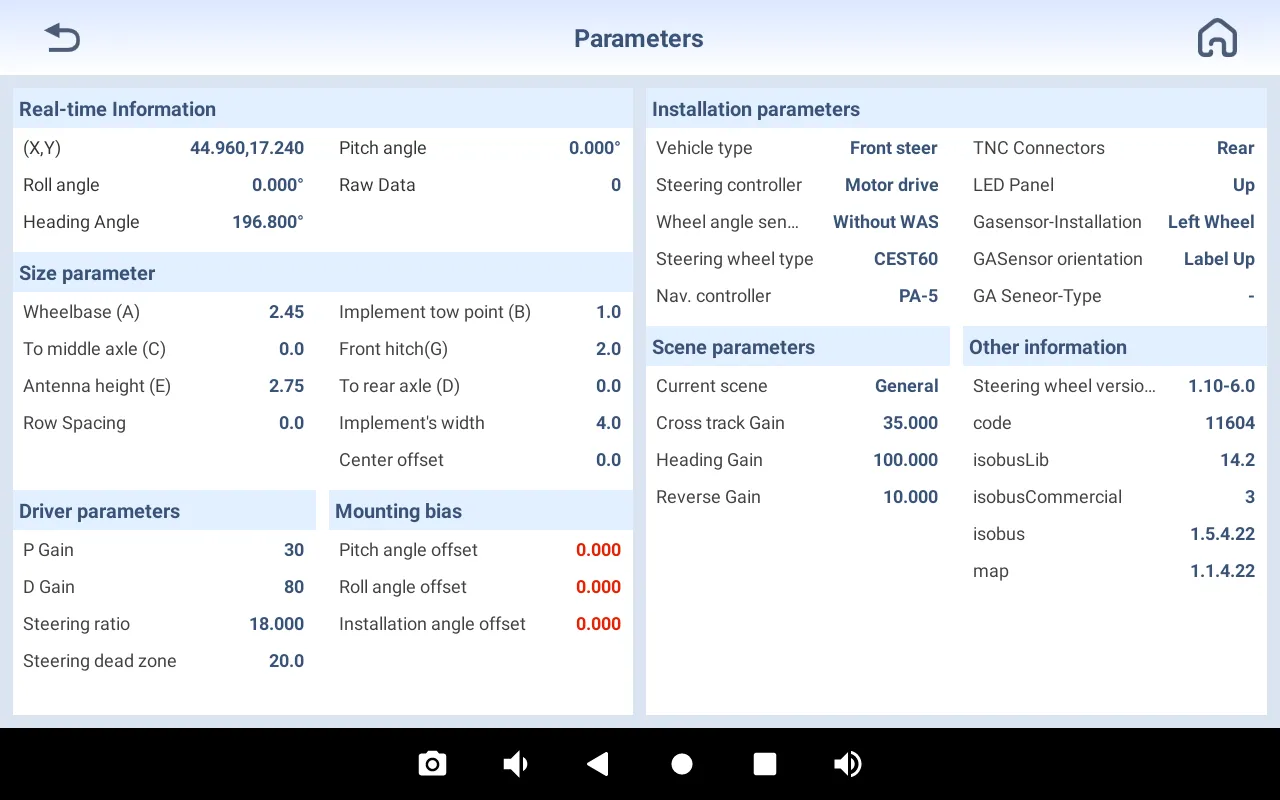
- Automatic highlight of abnormal values in Parameters page
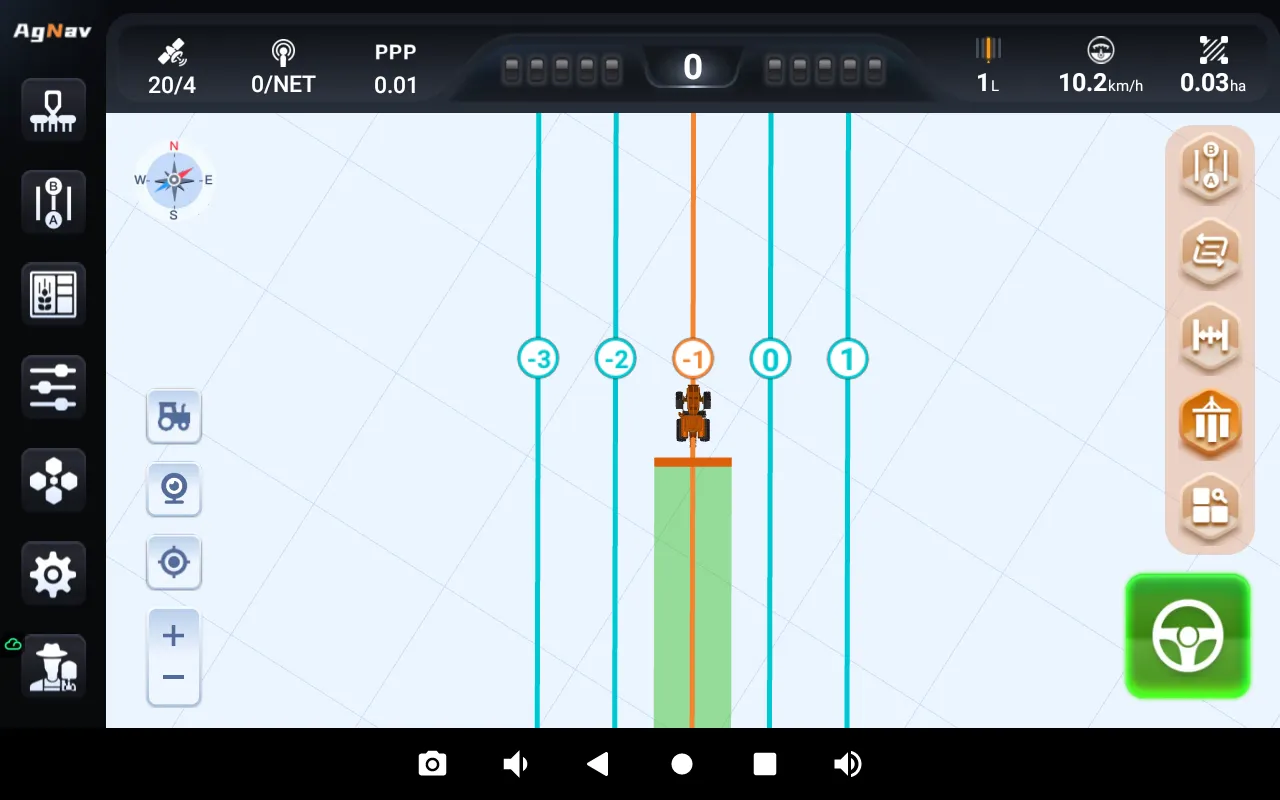
- Camera switch on main screen.
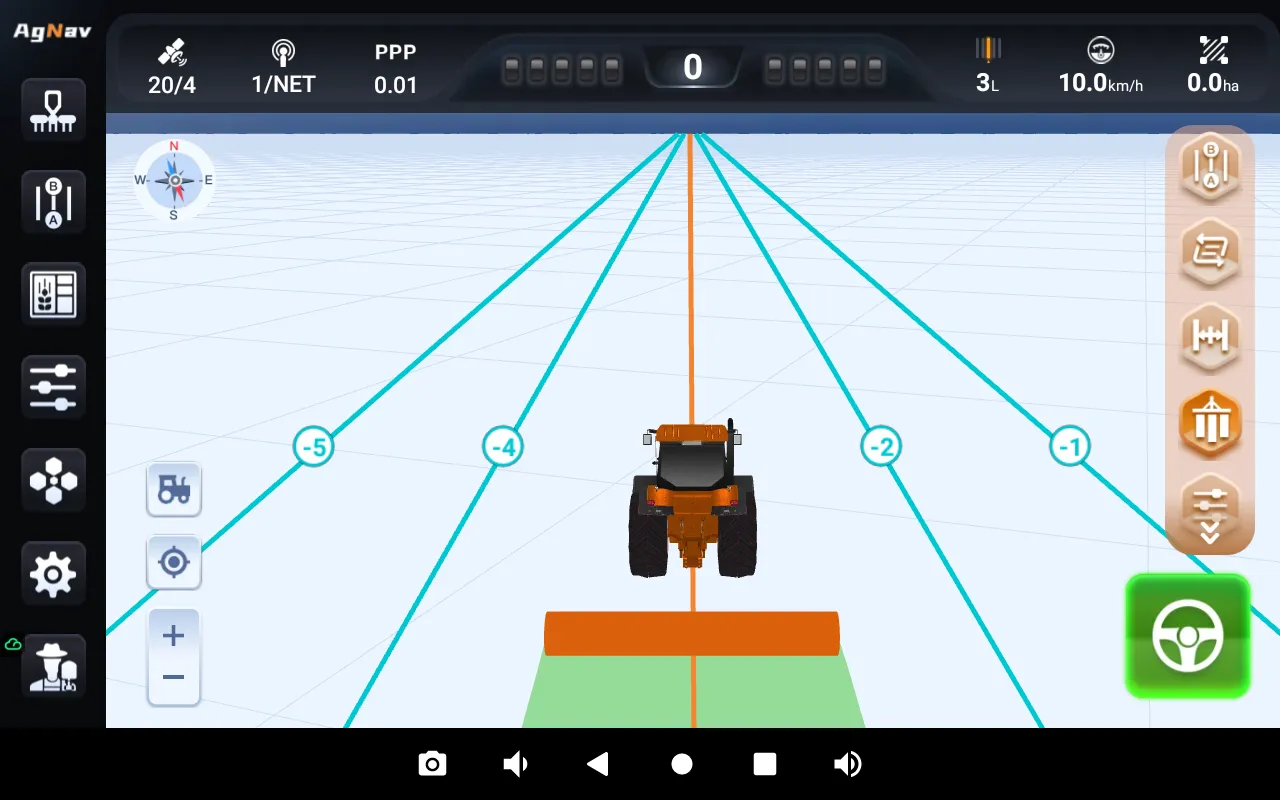
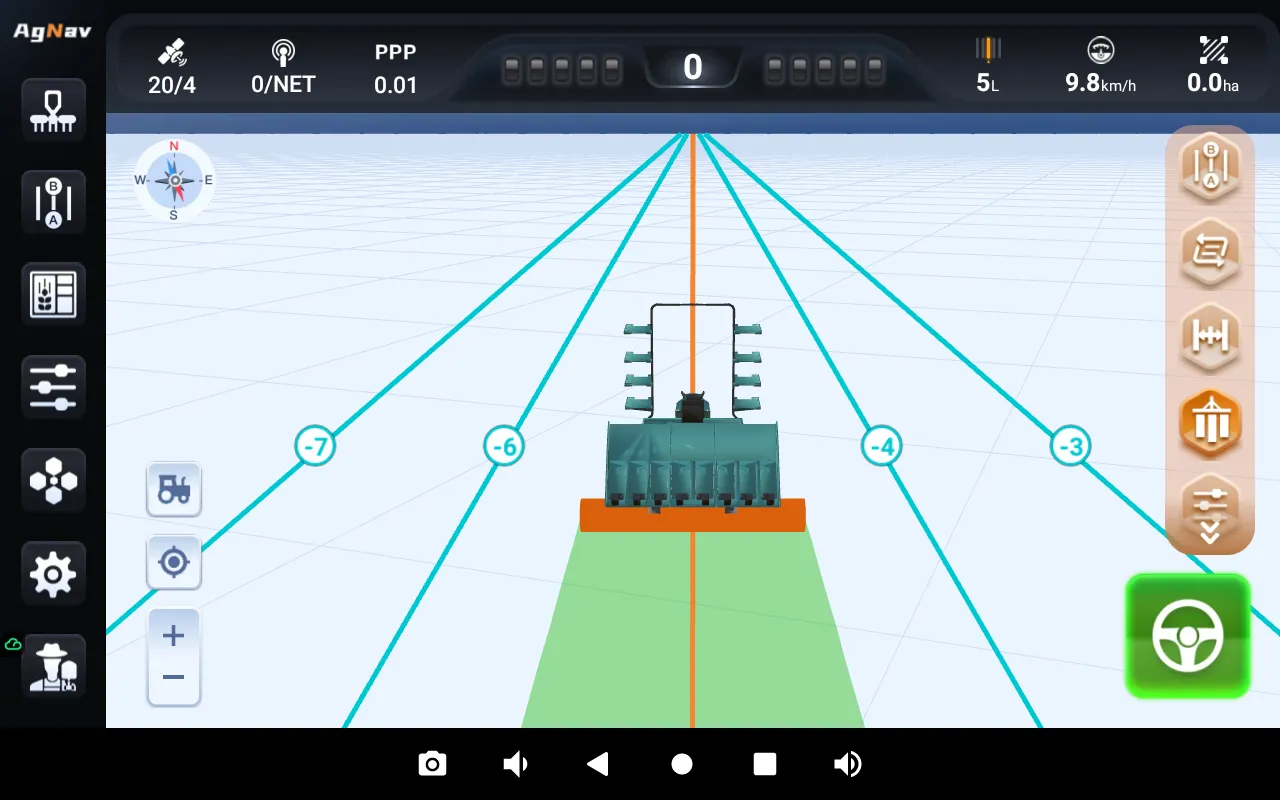
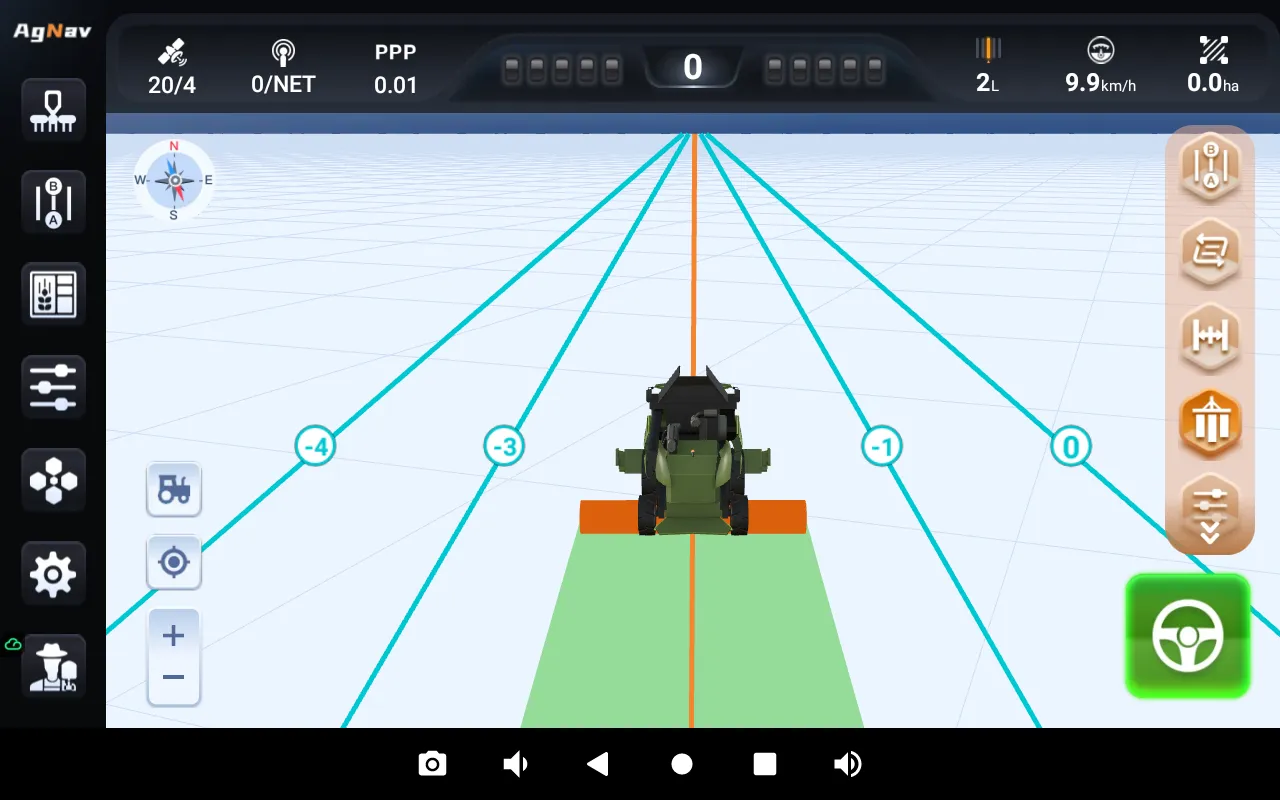
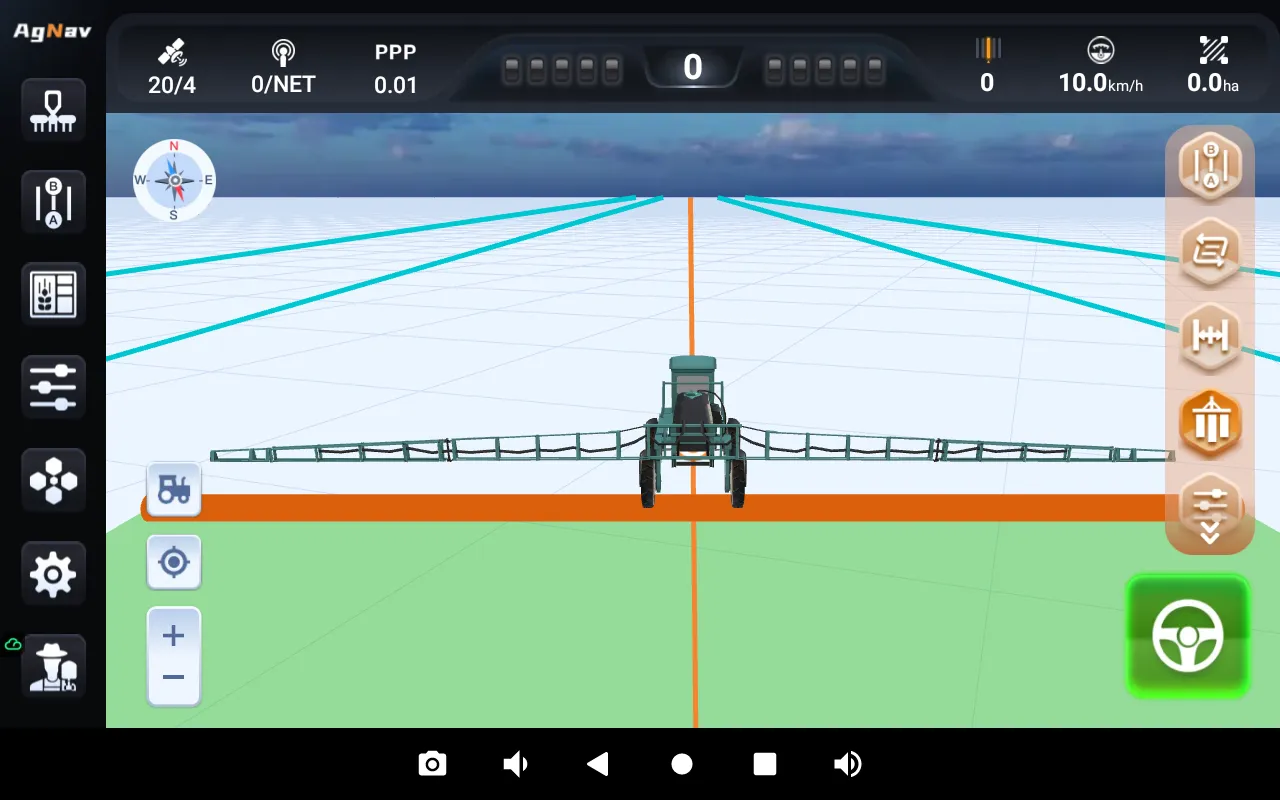
- New 2D and 3D vehicle models for tractors, transplanters, combine harvesters and four-wheel sprayers.
- Fix the issue where saving fails after deleting boundary points;
- Fix the issue of slow lateral deviation refresh when exiting new line ;
- Fix the issue of unsynchronized position refresh between the vehicle and navigation line number during autonomous driving;
- Fix the issue where curve offset does not work when Access Path is enabled;
- Fix the issue where the full-screen keyboard fails to display the decimal point correctly;
- Fix the issue where the X10 tablet software shows 0 satellites;
- Fix the issue where the current guideline is displayed as exceeding the boundarywhen entering auto driving after boundary truncation;
- Fix the Hall effect issue with motor parameters when switching steering types;
- Fix the parameter setting issue of the mechanical angle sensor for Steer Ready vehicle models;
- Fix the issue of incorrect elevation display;
- Fix the low-probability software crash issue;
- Fix the unstable NMEA output signal issue for auto driving position;
- Optimize multilingual translations;
- Optimize the field list display;
- Optimize the selection of units;
- Optimize the GBM feature;
- Optimize 3D model;
- Optimize line offset layout;
- Optimize SprayX100/HG100/VG100 layout;
- Optimize 360 camera calibration;
- Optimize FMS status display;
- Optimize camera option location and move to the main screen.